
Source: fagstein.com
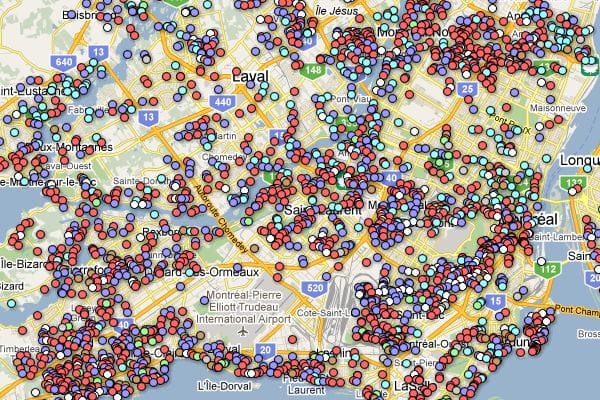
Data Visualization:
There are so many ways to get what you have discovered out there for the world to see. One of the better more user friendly data visualization methods I have been steadily learning is Google Maps. It has been a challenge throughout. Google does provide, however, a very user friendly tool for geospatial and demographic data visualization called Google Fusion tables. This tool allows for easy upload of data in spreadsheet format and will visualize it in a Google Map. The data, of course, must have a location associated with each record.
Say you would like to show the voter turnout percentages from the last Primary election for your State’s Congressional districts.
The data visualization process for this projects criteria would be:
- Find and collect the data (shapefile of district boundaries, election stats from Secretary of State)
- Format the data into a useable layout
- Merge the data together based on a common field
- Import into your Gmail docs account as a Fusion Table (for this project)
The Fusion Table web app is intuitive and will recognize any spatial data as location (geographic coordinates, etc.). From there you can style your map with a user interface of design tool menus and click embed to get an embed code for your website or copy and paste the code into a .txt (notepad) and save as html to show your audience. Click here for some examples how Google Fusion Tables can help you with your data visualization.